How to Build Your First Home Lab for CCNA (Beginner Guide)
If you’re preparing for the CCNA exam, one of the best investments you can make is a CCNA home lab. Reading theory is important, but networking is a practical skill. A home lab allows you to configure routers, switches, VLANs, routing protocols, and troubleshoot issues just like a real network engineer.
In this guide, you’ll learn how to build a CCNA home lab, what equipment you need, and whether you should use Cisco Packet Tracer, GNS3, or physical Cisco devices.
What Is a CCNA Home Lab?
A CCNA home lab is a personal networking environment where you can practice Cisco configurations safely. It can be built using:
- Software-based labs (Packet Tracer, GNS3, EVE-NG)
- Physical Cisco routers and switches
- A combination of both (hybrid lab)
For most beginners, a CCNA virtual lab setup is the easiest and most affordable way to start.

Why Build a CCNA Practice Lab?
A CCNA practice lab helps you:
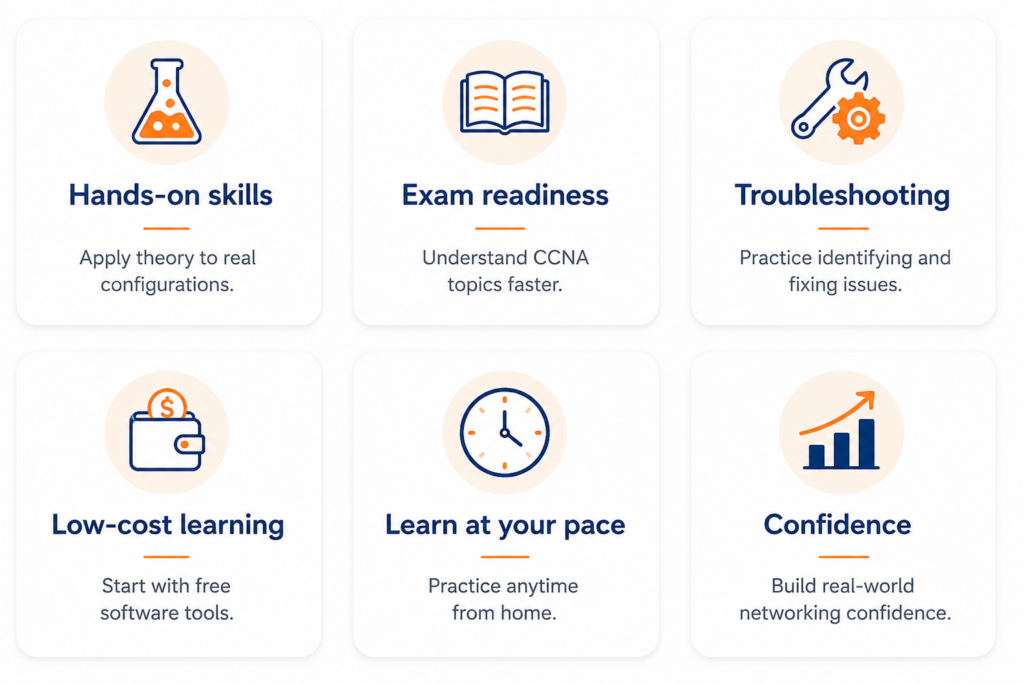
Employers value candidates who can configure and troubleshoot, not just answer multiple-choice questions.
Best CCNA Home Lab Options
1. Software-Based Lab (Recommended for Beginners)
The easiest way to build a CCNA home lab is with simulators and emulators.
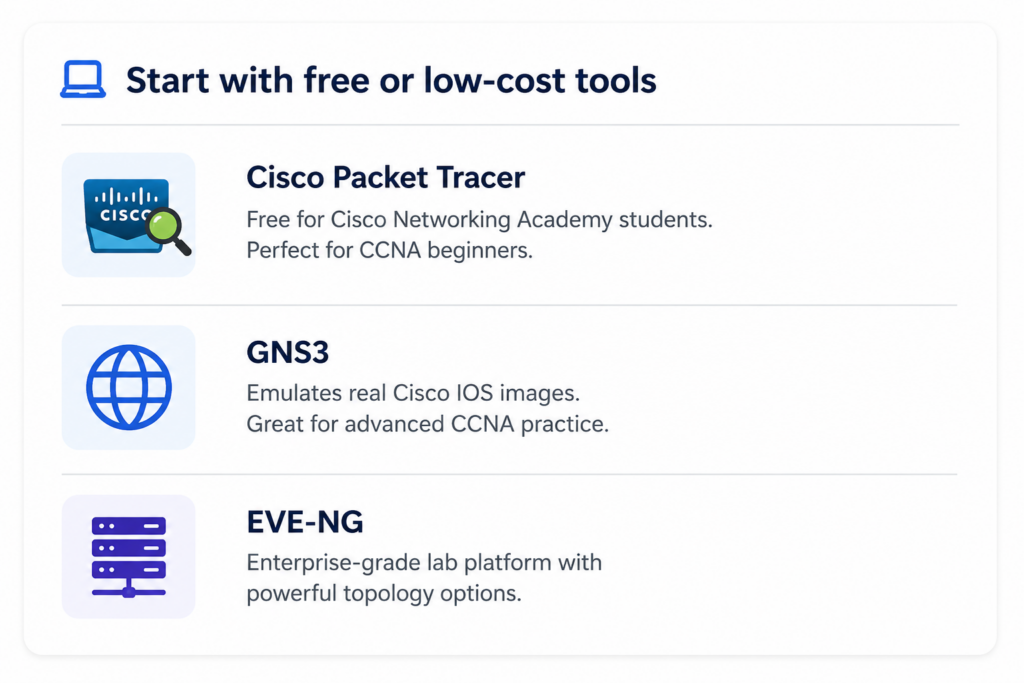
For most students, Cisco Packet Tracer is enough to learn routing, switching, VLANs, ACLs, and basic troubleshooting.

2. Physical Cisco Home Lab
If you want real hardware experience, you can build a Cisco home lab using older but affordable devices.
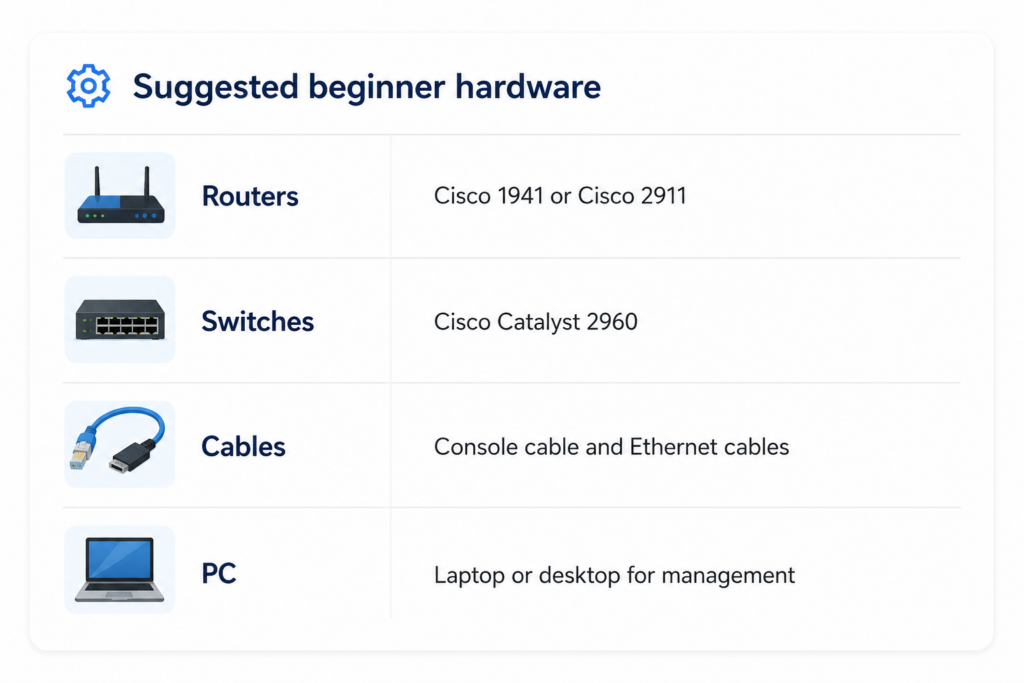
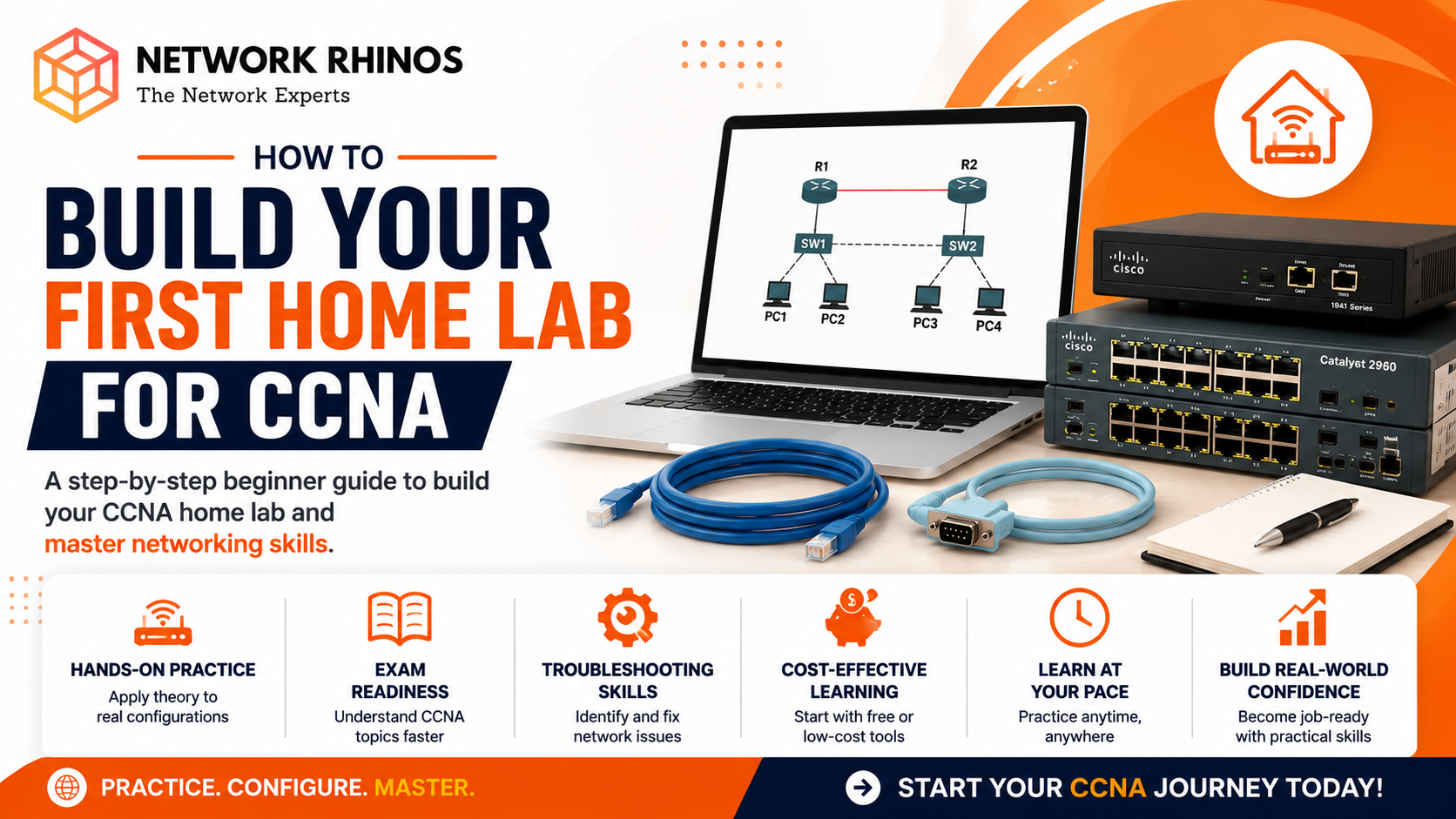
A basic CCNA lab setup with 2 routers + 1 switch + 2 PCs is enough for most CCNA topics.

3. Hybrid Lab (Best of Both Worlds)
Many professionals use a hybrid CCNA networking lab:
- Physical switch for VLAN practice
- GNS3/EVE-NG for multiple routers
- Packet Tracer for quick testing
This provides flexibility without spending too much on hardware.
Essential Equipment Checklist
CCNA lab equipment
✔️2 Cisco routers
✔️1 Cisco switch
✔️Console cable
✔️Ethernet cables
✔️Laptop/Desktop
✔️Packet Tracer or GNS3
If your budget is tight, start with Packet Tracer only. It is completely fine for a beginner CCNA lab at home.
Step-by-Step CCNA Home Lab Setup
Step 1: Draw a Simple Topology
Start with this network:
PC1 --- SW1 --- R1 ===== R2 --- SW2 --- PC2
This lets you practice IP addressing, VLANs, static routing, and OSPF.

Step 2: Configure IP Addresses
Example:
| Device | IP Address |
|---|---|
| PC1 | 192.168.1.10 |
| R1 | 192.168.1.1 |
| R2 | 10.0.0.2 |
| PC2 | 192.168.2.10 |
Step 3: Practice Routing
Configure static routes first, then move to OSPF.
R1(config)# router ospf 1
R1(config-router)# network 10.0.0.0 0.0.0.3 area 0
This is exactly the kind of configuration you will see in CCNA practical lab exercises.
What Can You Practice?
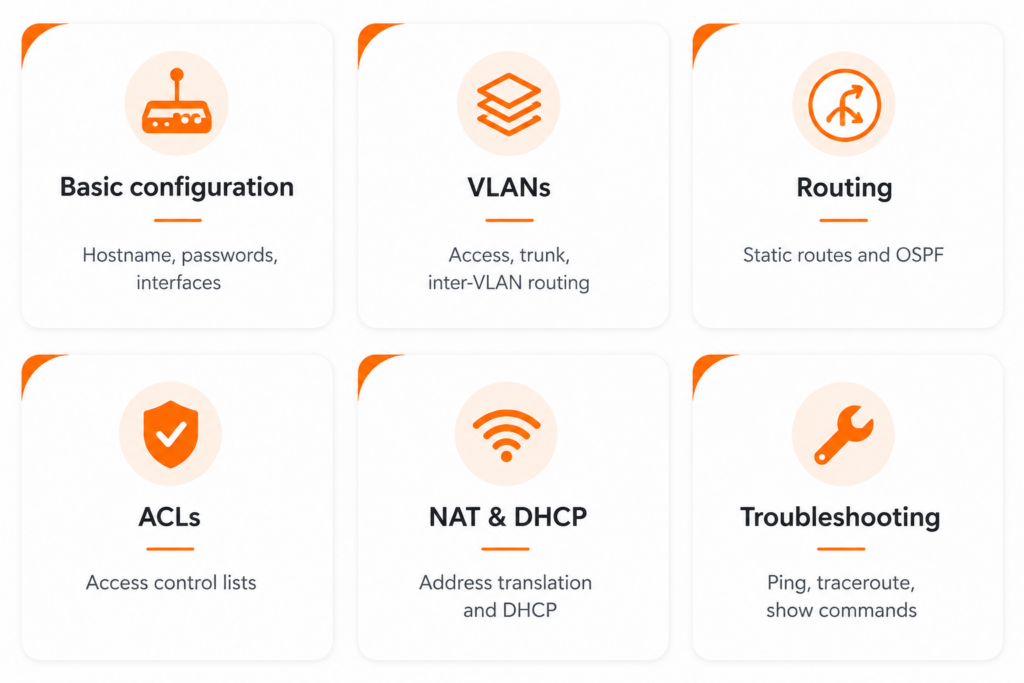
In your CCNA home lab, practice:

How Much Does a CCNA Home Lab Cost?
| Lab Type | Approx Cost |
|---|---|
| Packet Tracer | Free |
| GNS3 | Free |
| 2 Routers + 1 Switch | ₹8,000 – ₹20,000 |
| Hybrid Lab | ₹10,000 – ₹25,000 |
For most students, starting with free software and upgrading later is the smartest approach.
Common Mistakes to Avoid
- Buying expensive hardware too early
- Practicing without documenting commands
- Ignoring troubleshooting exercises
- Memorizing instead of understanding
- Not practicing subnetting regularly
Final Thoughts
Building your first CCNA home lab does not need to be expensive. Start with Cisco Packet Tracer, learn the fundamentals, and gradually move to GNS3 or physical Cisco devices as your skills improve.
The more time you spend in your CCNA practice lab, the more confident you will become during the exam and in real networking jobs.